Why So Many Expense Tracker Apps Want to Read Your SMS
Many popular expense trackers ask to read your entire SMS inbox to auto-detect transactions. Here's what that permission actually exposes, and what to check before installing one.
If you’ve ever installed a popular expense-tracking app in India, you’ve probably seen a permission request that’s easy to tap past without reading: access to your SMS messages. It’s worth actually stopping on that one, because of what it really means.
Why apps ask for this in the first place
The feature itself is genuinely convenient: when your bank sends you an SMS saying “₹450 debited from your account,” the app reads that message, pulls out the amount, and auto-logs the expense for you — no manual typing needed. This “SMS auto-detection” is a real, popular feature across many expense-tracking apps in India, precisely because typing every expense by hand is tedious.
The problem is how that convenience is delivered. To read your bank’s transaction SMS, most apps have to ask Android for permission to read your entire SMS inbox — not just messages from your bank. That’s a broad permission, and what sits in a typical SMS inbox goes well beyond bank alerts: one-time passwords (OTPs) for logging into other accounts, personal messages, delivery updates, and more.
💡 Aha moment
Android doesn't have a permission that means "read only messages from my bank." The only option available to an app is "read all SMS" or "read none." So even a perfectly well-intentioned app that only wants your bank alerts technically gains the ability to see every OTP and personal text that arrives on your phone — it's a permission the app doesn't need in full, but has no narrower option to ask for.
What’s actually at stake
To be fair, most well-known apps state clearly that they only parse financial messages and don’t store or transmit unrelated texts. That’s a real and meaningful distinction, and not every app with this permission is doing something wrong with it. But a few honest points are worth knowing:
- The permission itself is broad, even if the intent is narrow. Once an app can technically read your entire inbox, you’re trusting its code and its policies — not a technical limit — to keep it from looking further.
- Some apps have, in the past, shared anonymised spending data with third parties as part of their business model — this is how several free finance apps sustain themselves, and it’s usually disclosed somewhere in a privacy policy most people never read.
- Cloud-based apps store your transaction history on their servers, even when encrypted in transit, which means your spending history exists somewhere outside your own device.
- Google itself has taken this seriously. Google Play tightened its SMS-permission policies through 2024-25, restricting which categories of apps are even allowed to request broad SMS access — a strong signal that this was a widely recognised privacy concern, not a fringe worry.
None of this means every SMS-reading app is malicious. Many are reputable businesses being upfront about a genuine trade-off: you get automatic transaction detection, in exchange for a broader permission and your data living on their servers. It’s a real trade-off — just one worth making consciously, not by default.
What to actually check before installing a tracker
A few concrete things worth checking on any expense app’s Play Store listing before you install it:
- What permissions does it ask for? Does it need SMS access, contacts, or your precise location to track expenses? A pure expense logger has no real reason to need your contacts or location.
- Does it require an account or login? If yes, your data is almost certainly leaving your device and living on a server somewhere.
- Does the listing mention data sharing with “partners” or “affiliates”? Check the privacy policy, not just the marketing copy.
- Is there an offline mode, or does it require constant internet? An app that needs internet to function at all is usually syncing your data somewhere.
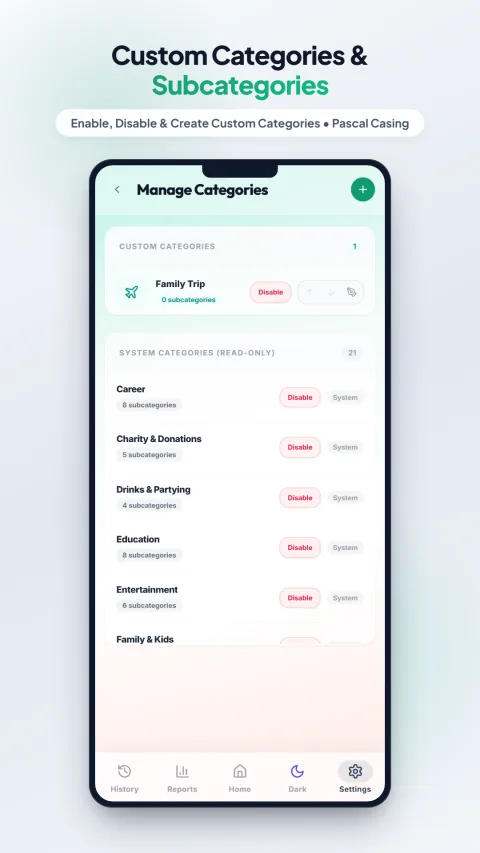
A privacy-first design means the SMS-permission trade-off above simply doesn't apply — because there's nothing to auto-detect from a server that never receives your data.
This is exactly the trade-off I decided not to make when building My Expenses Tracker: no SMS permission, no contacts, no account, no login, no data ever leaving your device. The cost of that decision is real — you do have to manually log each expense rather than have it auto-detected from an SMS — but nothing about your financial life is ever visible to anyone but you, because there’s no server it could reach even if someone wanted it to.
Full disclosure
No SMS access, no contacts, no account — try My Expenses Tracker
Free, 100% private, fully offline. Your data never leaves your phone.
Manual logging vs. auto-detection: an honest trade-off
To be balanced about it: manual logging takes a few seconds of your attention that SMS auto-detection doesn’t. If that trade-off doesn’t bother you and you trust a specific app’s privacy practices, SMS-based tracking is a legitimate, popular choice, and several apps in this space are transparent and reputable about how they handle it. This post isn’t telling you SMS-reading apps are bad — it’s telling you what that permission actually means, so the choice is an informed one rather than an accidental tap through an install screen.
Learn more from official sources
- Google Play — SMS and Call Log permissions policy — Google’s official policy on which app categories may request SMS access.
- Ministry of Electronics and IT (MeitY), Government of India — India’s data protection and digital privacy guidelines.
This is general information, not a claim about any specific named app’s current practices — permission requirements and privacy policies change over time, so always check an app’s current Play Store listing directly. My Expenses Tracker is a free app built by the same person behind this website — disclosed here for transparency, not as a sponsored placement.